


DreamCanvas™
A glowing message board that turns every doodle into a mini light show.
NEW YEAR SALE
What's Included:
What's Included:
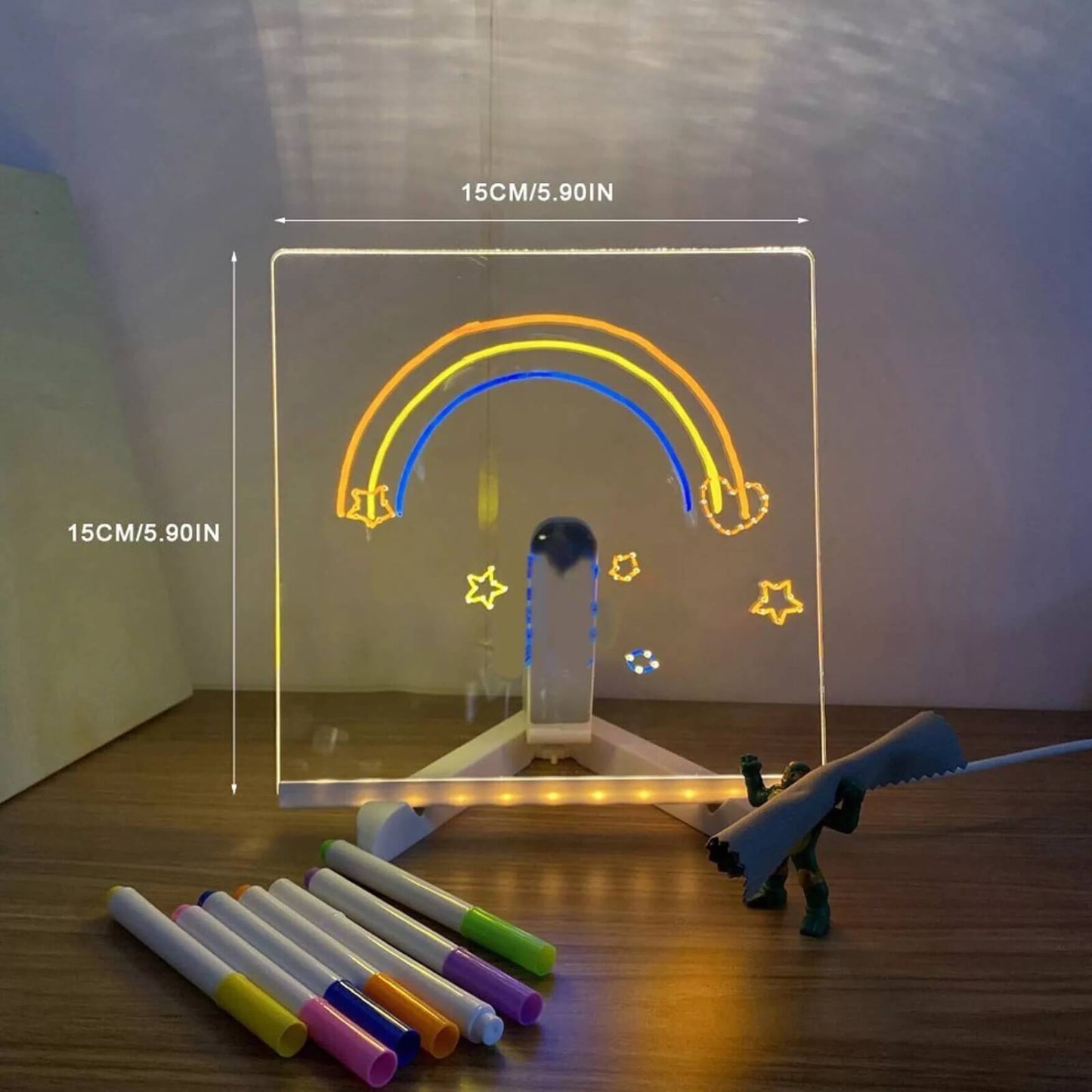
- 1× DreamCanvas™ LED Drawing Board (20 cm × 30 cm) with attached USB power cable
- 7× Neon Marker Pens (assorted colors)
- 2× Cleaning Cloths (8 cm × 8 cm, random colors)
- 1× Adjustable Board Stand
Couldn't load pickup availability
Hurry! Sale ends in:
⚡ Over 4,000 sets sold this week
- American express payment method
- Apple pay payment method
- Bancontact payment method
- Diners club payment method
- Discover payment method
- Google pay payment method
- Master payment method
- Shopify pay payment method
- Visa payment method
-
Ordered
- - -
Order Ready
- - -
Delivered

DreamCanvas™


Trade Screen Time for Real Creativity
Kids don’t need another app—they need a place to actually create. DreamCanvas pulls them off the iPad and into hands-on drawing, where they’re practicing focus, imagination, and fine motor skills instead of zoning out to endless scrolling.
Calm Evenings Without the Blue-Light Meltdowns
Hours of tablet time before bed wrecks sleep and moods. The soft glow of DreamCanvas gives them a relaxing nighttime activity that doesn’t blast blue light in their face, helping them wind down, feel proud of what they made, and actually want to put the screens away.
Connection, Not Isolation
Tablets are solo; this board is shared. DreamCanvas turns “quiet zombie iPad time” into a family moment—siblings take turns drawing, parents leave little messages, and kids show off their glowing creations instead of hiding behind a screen.
Testimonials
Collapsible content

What age is DreamCanvas™ best for?
What age is DreamCanvas™ best for?
Most kids between 3–12 years old love it. Younger kids enjoy scribbling and shapes, older kids use it for doodles, messages, and room décor.
Does this really help reduce iPad and screen time?
Does this really help reduce iPad and screen time?
Yes—parents use DreamCanvas™ as a“screen-time swap”: before bed, during dinner, or on weekends. Giving kids a fun, glowing alternative makes it way easier to say, “No tablet, draw on your board instead.”
How does the board light up?
How does the board light up?
The board is LED-powered and plugs in via USB cable. Once it’s on, the neon markers glow vividly on the surface, especially in dim or dark rooms.
Are the markers safe and washable?
Are the markers safe and washable?
The markers arenon-toxicand designed for the board. They wipe off with the included cloths or a damp tissue so kids can reuse the board over and over.
How do I clean the board?
How do I clean the board?
Just wipe it with the included cloths. For any stubborn spots, aslightly damp clothworks great—no special cleaners needed.